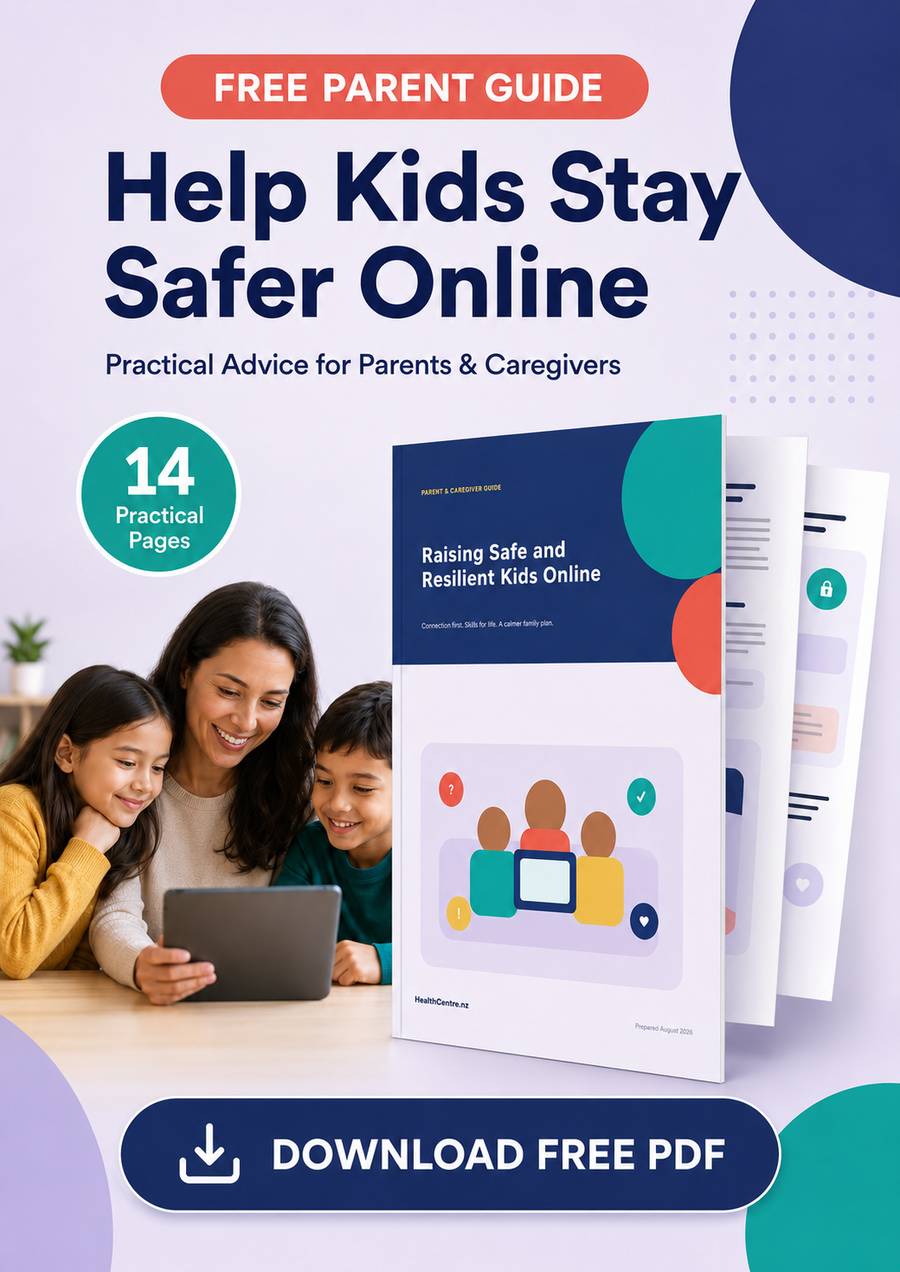
Free Guide: Raising Safe and Resilient Kids Online
🔒 Secure checkout · Instant download
Description
A Free Practical Guide for Parents and Caregivers
The online world gives children remarkable opportunities to learn, create, play and stay connected. It can also expose them to cyberbullying, scams, unwanted contact, misleading information, social pressure and content they may not be ready to handle.
Trying to protect your child can feel overwhelming, especially when technology changes faster than most families can keep up.
The good news is that you do not need to understand every new app, game or online trend to make a meaningful difference.
Raising Safe and Resilient Kids Online is a free 14-page printable report designed to help parents and caregivers create safer online habits without relying on fear, constant surveillance or unrealistic rules.
Help Your Child Explore the Online World More Safely
Children need more than restrictions. They need practical skills that help them recognise trouble, resist pressure, protect their information and ask for help when something goes wrong.
This free report explains how to build those skills through calm conversations, reasonable boundaries and simple family routines.
Inside, you will discover how to:
- Start useful online-safety conversations without making your child feel interrogated
- Create family technology rules that are clear, realistic and easy to remember
- Help children recognise scams, manipulation and misleading content
- Strengthen passwords, privacy settings and account security
- Respond calmly to cyberbullying and harmful group behaviour
- Explain unwanted contact and online grooming in age-appropriate language
- Protect sleep, movement, learning and important offline activities
- Preserve evidence and report harmful behaviour correctly
- Adjust online supervision as children become older and more independent
- Create a family response plan before an online problem occurs
The aim is not to frighten children or remove every possible risk. It is to help them develop the confidence and judgement needed to make safer decisions.
Connection Is One of the Strongest Safety Tools a Family Has
Children sometimes hide online problems because they are afraid of losing their device, being blamed or disappointing an adult.
That can allow a manageable situation to become much more serious.
This guide shows you how to build a family culture where children know they can ask for help without immediately being shamed or punished.
You will learn a simple resilience process children can remember:
Notice. Pause. Reach out. Act. Recover. Learn.
These steps give children something practical to do when an online interaction feels uncomfortable, confusing or unsafe.
Understand the Risks Without Treating the Internet as the Enemy
Not every online activity is harmful, and not every difficult experience requires panic.
The report separates common online risks into four easy-to-understand areas:
Content
Violent, sexual, hateful, misleading or age-inappropriate material.
Contact
Unwanted messages, harassment, grooming, impersonation and pressure from strangers or people the child already knows.
Conduct
Cyberbullying, exclusion, oversharing, image sharing, risky challenges and harmful group behaviour.
Commerce
Scams, hidden spending, deceptive advertising, manipulative game mechanics and pressure to make fast purchases.
Understanding these categories makes it easier to talk about online safety without turning every conversation into a warning.
Create a Family Digital Plan That Can Actually Work
Complicated rulebooks are difficult to remember and even harder to enforce.
The free report helps you create a shorter and more practical family plan covering:
- Where devices can be used
- When screens should be put away
- Who children may communicate with
- What requires adult permission
- How private information should be protected
- What to do when a mistake or harmful incident occurs
- When family rules and privacy settings should be reviewed
The report also includes a printable Family Agreement and Help Plan that you can complete together.
This gives everyone a clear reference point for device-free times, overnight charging, downloads, purchases, sharing, trusted adults and emergency steps.
Know What to Do When Something Goes Wrong
When parents discover an upsetting message, threatening account or inappropriate request, the natural reaction may be anger or panic.
Unfortunately, acting too quickly can sometimes frighten the child, escalate the situation or destroy important evidence.
This report provides a calm six-step response:
- Pause further contact, payments, sharing or meetings.
- Listen without beginning with blame or punishment.
- Save relevant messages, usernames, dates, links and transaction details.
- Block harmful contact once necessary evidence has been preserved.
- Report the incident through the appropriate service, school or authority.
- Support the child’s safety, emotional wellbeing and recovery.
You will also learn why accounts, messages and devices should not always be deleted or reset before evidence has been collected.
Practical Guidance for Different Ages
A young child using a shared tablet needs different support from a teenager managing friendships and social pressure.
The guide includes age-based recommendations for:
- Children under seven
- Children aged seven to ten
- Preteens aged eleven to thirteen
- Teenagers aged fourteen to seventeen
It also explains how to judge readiness by skills and behaviour rather than relying only on age.
As children demonstrate stronger judgement, their independence can gradually increase. When circumstances change, such as starting a new school, receiving a first phone or experiencing friendship difficulties, additional support can be temporarily restored.
Balance Is About More Than Counting Minutes
Screen time is not automatically good or bad. Its effect depends on what children are doing, why they are doing it and what the activity may be replacing.
The report introduces a simple balance model covering:
- Creating
- Connecting
- Learning
- Resting
- Sleeping
- Moving
- Maintaining offline relationships
You will learn how to recognise the difference between manageable screen use, habits that need adjustment and warning signs that may require professional support.
Includes a Simple Seven-Day Family Reset
You do not need to change every online habit at once.
The report includes a manageable seven-day plan:
- Day 1: Listen to your child’s online experiences
- Day 2: Secure important accounts and devices
- Day 3: Review privacy and location settings
- Day 4: Protect sleep and offline balance
- Day 5: Practise responding to realistic online situations
- Day 6: Write your family response plan
- Day 7: Review what improved and choose the next step
Each activity is small enough to fit into a busy family week.
What Is Included in the Free Report?
Your free PDF contains 14 professionally designed A4 pages, including:
- An overview of online safety and resilience
- A clear explanation of common online risks
- A family digital-plan framework
- Privacy and account-security guidance
- Critical-thinking techniques
- Cyberbullying response advice
- Unwanted-contact and grooming warning signs
- Screen-balance recommendations
- A six-step incident response plan
- Age-specific guidance
- A seven-day family reset
- A printable family agreement
- New Zealand support information
- Colour charts, diagrams, checklists and visual learning panels
You can read the report digitally or print it for easy family reference.
Reviews
No reviews yet. Be the first to leave one.